

 English
 日本語
日本語 한국어
한국어 français
 Deutsch
 Español
 italiano
 русский
 português
 العربية
 tiếng việt
 ไทย
ไทย čeština
 dansk
dansk Svenska
Instead of classification by their types and general use, BIT-CCTV products for CCTV camera surveillance solutions
also have a very strong presence in several vertical markets and special industries.
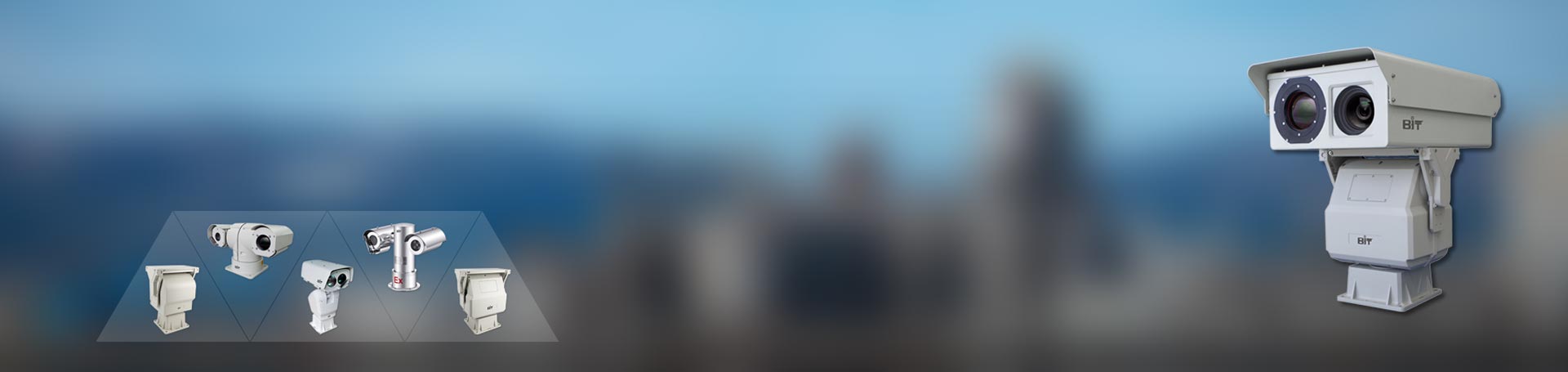
Besides regular pan tilt head positioners coming without housings for camera integration, BIT-CCTV also provide pan tilt unit with either top load or two side load housings for our customer’s easy integration with their own visible camera, infrared camera, illuminator or other devices. Choosing one of these pan tilt with ready housings will save lots of time and cost for quick system building. And based on current design, technical consulting and custom service are also available.
There are many types of pan and tilt heads, including ball heads, panoramic heads, hydraulic heads, camera heads. The various sizes, shapes, and prices of Motorized Pan Tilt positioner often dazzle buyers. In addition, the price of a heavy-duty professional pan tilt may be tens of thousands. Why is it so expensive? Because they are designed with precision engineering and are durable. As long as it is properly maintained, the cheaper pan tilt can also have a longer service life.
If you want to confirm if your devices can be fit into our pan tilt housings, please kindly share 3D or 2D detailed dimension drawing with us for evaluation.
Pan Tilt Category | Load Capacity | Model |
Pan Tilt Head Positioner with Housing | Light Duty with Two Side Housings | BIT-PT306 |
Light Duty with Top Housing (One/Two Camera Cabin) | BIT-PT410HS | |
Light Duty with Top Housing (One/Two Camera Cabin) | BIT-PT420HS | |
Medium Duty with Two Side Housings | BIT-PT330S | |
Medium Duty with Two Side Housings | BIT-PT330L |
To make sure that the most suitable pan tilt head will be chosen for your system/solution among our pan tilt products line, it is highly suggested to send us an email to sales@bit-cctv.com with your detailed technical requirements and specifications, so that you will get your perfectly customized pan tilt head for your solution/project.
 Is Onvif Secure
Is Onvif Secure? My answer has always been straightforward: it is designed to be secure, but ultimately security depends on how you deploy and configure it.
Read More >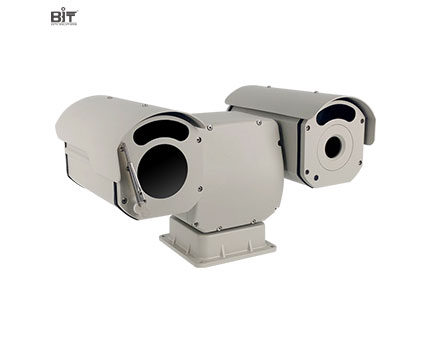 +
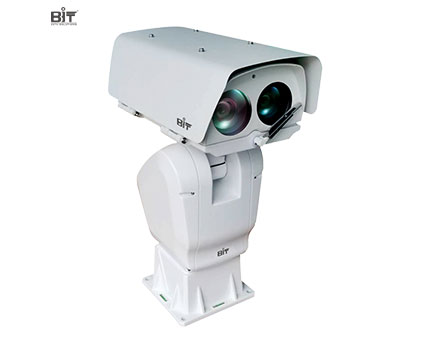
BIT-PT306 Outdoor Dual Worm/Gear Drive Light Duty Pan Tilt with Side Housings
+
BIT-PT306 Outdoor Dual Worm/Gear Drive Light Duty Pan Tilt with Side Housings
Small size light duty pan tilt unit, dual worm/ gear drive, 360°pan/±90°tilt rotation, die-cast aluminum alloy material, ready housing
 +
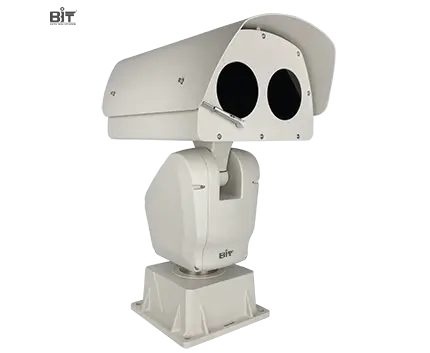
BIT-PT410HS Outdoor High Speed Light Duty Pan Tilt with Top Housing
+
BIT-PT410HS Outdoor High Speed Light Duty Pan Tilt with Top Housing
High speed light duty pan tilt, top housing with one or two camera space option, up to 100°/s rotation speed, worm gear transmission, RS485 control via Pelco P/D, absolute control, IP 66 waterproof
 +
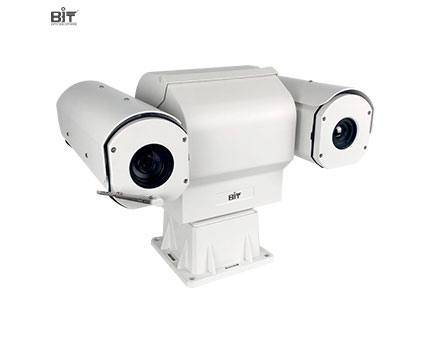
BIT-PT420HS Outdoor High Speed Light Duty Pan Tilt with Top Housing
+
BIT-PT420HS Outdoor High Speed Light Duty Pan Tilt with Top Housing
High speed light duty pan tilt, top housing with one or two camera space option, up to 100°/s rotation speed, worm gear transmission, RS485 control via Pelco P/D, absolute control, IP 66 waterproof
 +
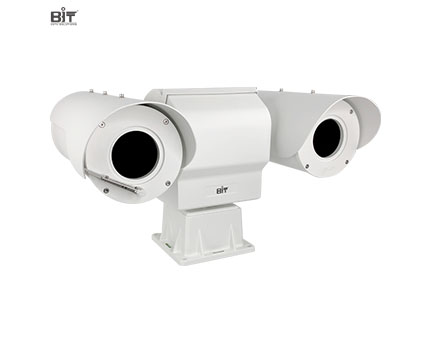
BIT-PT330S Outdoor High Precision Medium-Duty Pan/Tilt with Side Housings
+
BIT-PT330S Outdoor High Precision Medium-Duty Pan/Tilt with Side Housings
Medium duty pan tilt motorized head with two side load housing, worm/gear drive, up to 60°/s speed, absolute control, coordinate query, Pelco D extended commands control, 0.1° high precision and IP 66 waterproof
 +
BIT-PT330 Outdoor High Precision Medium Duty Pan Tilt with Side Housings
+
BIT-PT330 Outdoor High Precision Medium Duty Pan Tilt with Side Housings
Medium duty pan tilt positioner with two side load housing, worm/gear drive, 360° endless rotation, absolute control, preset, cruising track, auto scan, 0.1°positioning accuracy and IP 66 ingress protection
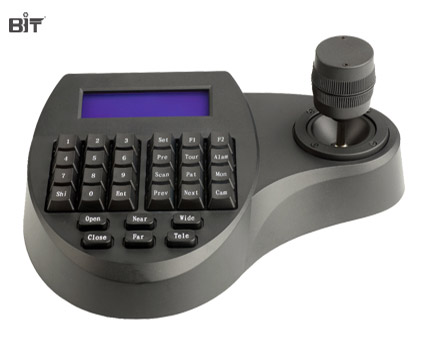 +
BIT-K7203 PTZ Keyboard Controller
+
BIT-K7203 PTZ Keyboard Controller
Features of BIT-K7203 PTZ Keyboard ControllerMini Smaller Keyboard, Controllable speed of Pan/Tilt and Zoom In/Out;Built-In Pelco P/D Protocol; Selectable Baud Rate;4 sets Keyboard cascade connection...
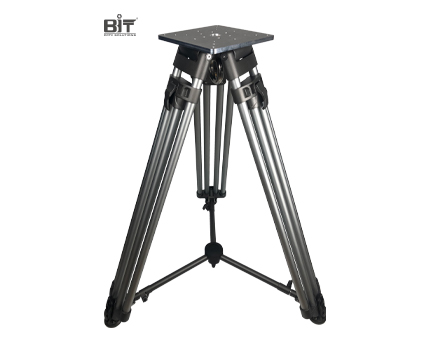 +
9116Y 110kg Load Heavy Duty Tripod for Pan Tilt Unit
+
9116Y 110kg Load Heavy Duty Tripod for Pan Tilt Unit
Features of 9116Y 110kg Load Heavy Duty Tripod for Pan Tilt Unit Load Capacity 110kgWeight 11.5kgAluminum alloyMinimum height 760mmMaximum height 1490mm Carry bag included
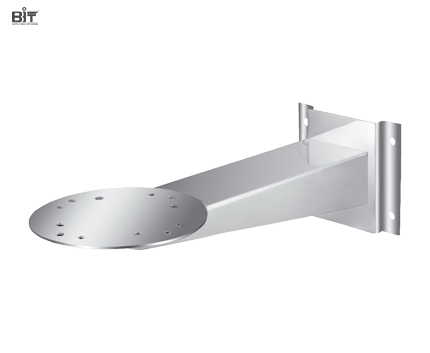 +
WS2775 Stainless Steel Wallmount Bracket for Pan Tilt Positioner
+
WS2775 Stainless Steel Wallmount Bracket for Pan Tilt Positioner
Wallmount Bracket for Pan Tilt Positioner, 316L stainless steel steel, fire resistance, corrosion resistance, and water resistance, stable structure and improved site reliability
Leave us Message